

Personal Branding vs Personal Privacy: How Professionals Can Balance Both
Your name appears in search results before you walk into any room. A recruiter types it. A client searches it. A journalist pulls it up. That visibility builds careers — yet the same exposure that makes a personal brand powerful also hands strangers your phone numbers, home address and daily patterns. The tension between standing out and staying protected sits at the center of every professional's digital life.
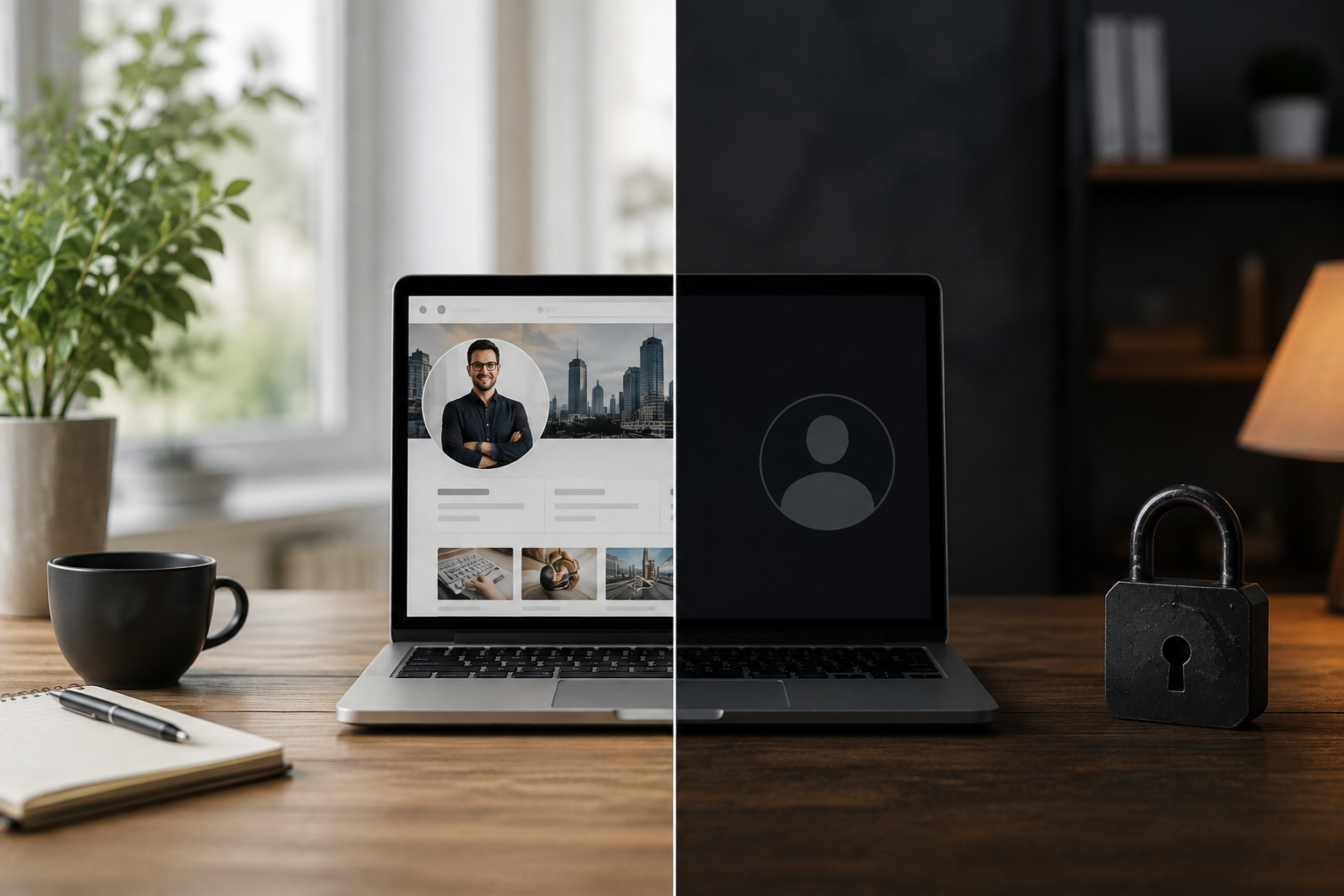
Controlling what surfaces about you starts with knowing what data brokers already publish. ClearNym (clearnym.com) removes personal information from Google and over 336 data broker sites. The service runs a free scan to show what data is exposed, then handles opt-out requests across people-search platforms that collect and resell personal data. That means professionals can maintain a strong public profile on LinkedIn or a personal site while quietly removing their home address from databases that feed malicious actors.
Where Personal Branding and Privacy Collide
A strong personal brand requires visibility. A safe digital life requires limits. These two goals pull in opposite directions when a professional posts online without thinking about what each piece of content reveals.
A speaking bio lists your city. A conference photo tags your location. A portfolio mentions your employer. None of that feels risky alone. Together those details hand a hacker enough context to craft a convincing social engineering attack or intercept an online account reset.
What Personal Data Actually Gets Exposed
Most professionals underestimate how much personal information and data sits in public databases. People-search sites aggregate records from public sources then publish them without consent. A search for your name returns your age, relatives, property records and past addresses within seconds.
This is the foundation that identity theft and phishing attacks build on. A malicious actor who knows your employer, city and email pattern needs very little else to attempt a credential attack.
Password Habits That Create Risk
Weak password hygiene remains the most common entry point for account compromise. The logic behind "use the same passwords across accounts" is convenience. The cost is that a single breach exposes every platform tied to that username and password combination.
A unique password for each account removes that chain reaction risk. Use a password manager to generate and store credentials so the cognitive load disappears. Strong passwords above 16 characters with mixed character types resist brute-force attacks that weaker strings cannot survive.
Two-Factor Authentication and Why It Matters
A password alone no longer protects an online account. Two-factor authentication adds a second verification step that stops most automated attacks cold. Even if a hacker obtains login credentials through malware or a phishing message from a friend, the second factor blocks access.
Set up two-factor authentication on every account that holds sensitive information — email, banking, social media accounts and any tool connected to client data.
Browser and Network Habits That Leak Data
Web browsers track online activities across every site visited. Each request carries an ip address that advertisers and third parties use to build behavioral profiles. Ad personalization systems connect those signals to create targeting data sold without explicit consent.
Turn off ad personalization in browser settings and review privacy settings on social media platforms regularly. Adjust privacy settings to limit what social media apps share with third parties. On public networks — a coffee shop wifi being the obvious case — use a VPN. A virtual private network encrypts traffic between a device and the server it contacts. Use a vpn on any network where the connection is shared or unknown.
End-to-end encryption protects messages in transit. Apps that offer this feature prevent interception at the network level. This matters most when sharing sensitive information over mobile device connections outside a trusted home or office network.
Security Software and Physical Security
Antivirus software and security software catch malware before it installs keyloggers or credential stealers. Keep both updated. Security updates patch vulnerabilities that malicious actors scan for actively. An unpatched system running outdated software sits in a permanently open state.
Physical security often gets ignored in digital privacy discussions. A locked screen, a privacy screen filter on a laptop in public spaces and full-disk encrypt settings on a mobile device close gaps that no firewall covers.
Privacy Settings Across Social Networks
Social media sites show more than most users realize. A social network profile set to the public shares employment history, location check-ins and contact details with anyone who searches. Review privacy settings on social media regularly — not just at signup.
Limit what social media sites display. Remove credit card number details from autofill. Check which third-party apps have access to social media accounts and revoke permissions for tools no longer in use. Consumer privacy law in several US states now grants users deletion rights — use them.
Building a Brand Without Oversharing
Professional visibility does not require broadcasting everything. A LinkedIn profile needs a city but not a street address. A speaker page needs a headshot but not a social security number. A portfolio needs work samples but not a personal email that doubles as a recovery address for banking.
Separate personal and professional digital identities where possible. Use a dedicated email for public-facing content. Review what appears when someone searches your name and treat that result as the public layer of a two-layer system — visible brand above, protected personal data below.
Conclusion
Privacy and personal branding are not enemies. They operate on different layers of a professional's digital presence. The public layer — a clean LinkedIn profile, a polished website, a consistent voice across platforms — builds reputation. The protected layer — locked down accounts, removed broker listings, encrypted communications — protects the person behind the brand.
Strong passwords managed through a password manager, two-factor authentication on every account, a vpn for public network use, and regular audits of privacy settings on social media combine into a system that holds. The professionals who build lasting brands are the ones who protect and control what sits beneath the surface.
FAQ
Can a data broker republish information after it has been removed?
Yes. Brokers pull data from public records and other sources on refresh cycles. Removed listings can resurface after weeks or months. Services that offer ongoing monitoring and automatic re-removal handle this loop rather than treating removal as a one-time event.
Does using a VPN affect personal branding or content discoverability?
A vpn changes the ip address visible to websites but does not affect how search engines index a public profile or website. It protects online privacy without reducing professional visibility.
Is it safe to use the same email address for personal branding and sensitive accounts?
A single email address used for both public exposure and sensitive account recovery creates risk. If that address appears in a data breach a hacker has one credential that opens multiple doors. Separate emails for public and private use reduces that exposure significantly.
What is the difference between two-factor authentication and end-to-end encryption?
Two-factor authentication protects access to an account. End-to-end encryption protects the content of messages while they travel between sender and recipient. Both address different threats and work together rather than substituting for each other.
Do privacy settings on social media actually prevent data brokers from collecting information?
Privacy settings on social media limit what other users see on a social network but do not fully prevent data brokers from indexing public posts or cross-referencing profile data with other sources. Removing data directly from broker databases addresses the underlying exposure more directly.