

Best Learnpress Alternatives
Compare five LearnPress alternatives—features, pricing, scalability, and integrations—to find the best LMS for your WordPress or hosted e-learning needs.

LearnPress is a popular WordPress LMS plugin, but it has limitations like reliance on multiple add-ons, update conflicts, and basic reporting tools. If you're looking for more stable, scalable, and feature-rich options, here are five alternatives:
- Upskillist: Pre-built courses, AI tools for personalized learning, and managed hosting. Subscription-based pricing.
- LearnDash: Advanced quizzes, AI-assisted course creation, and robust integrations. Prices start at $199/year.
- Tutor LMS: Frontend course builder, multi-instructor support, and AI-powered tools. Free version available; premium starts at $199/year.
- MasterStudy LMS: Dual course builders, live session integrations, and B2B features. Free version available; paid plans start at $79/year.
- Sensei LMS: WooCommerce integration, Gutenberg-based course builder, and interactive blocks. Free core plugin; premium starts at $179/year.
Quick Comparison
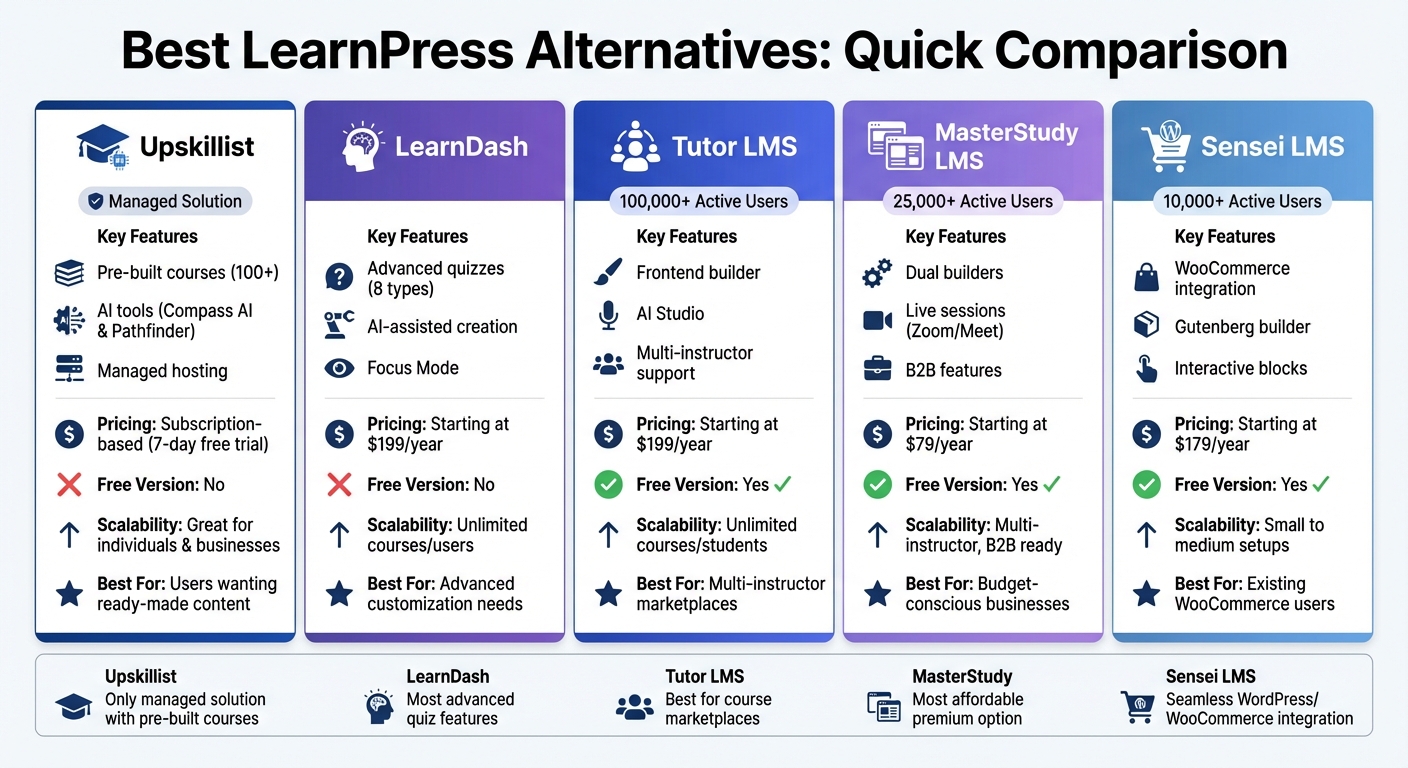
| Platform | Key Features | Pricing (Starting) | Free Version | Scalability |
|---|---|---|---|---|
| Upskillist | Pre-built courses, AI tools, managed hosting | Subscription-based | No | Great for individuals & businesses |
| LearnDash | Advanced quizzes, AI tools, Focus Mode | $199/year | No | Unlimited courses/users |
| Tutor LMS | Frontend builder, AI Studio, multi-instructor | $199/year | Yes | Unlimited courses/students |
| MasterStudy | Dual builders, live sessions, B2B features | $79/year | Yes | Multi-instructor, B2B ready |
| Sensei LMS | WooCommerce integration, interactive blocks | $179/year | Yes | Small to medium setups |
Each platform caters to different needs, from pre-built courses to advanced customization. Choose based on your goals, technical skills, and budget.
LearnPress Alternatives Comparison: Features, Pricing and Scalability
1. Upskillist
Features and Functionality
Upskillist offers a library of over 100 courses designed by experts, covering topics like business, technology, personal development, and creativity. This setup eliminates the hassle of building your own curriculum, recording videos, or creating assessments.
The platform also integrates AI tools like Compass AI and Pathfinder to personalize learning based on your goals and progress. With features like continuous assessments, lifetime access to lessons, and globally recognized certifications, you can enhance your skills, track your growth, and revisit materials whenever needed. Whether you're focused on personal enrichment or career advancement, these tools are designed to support learners at every stage.
Scalability
For individual users, Upskillist’s subscription model offers flexibility. Organizations, on the other hand, benefit from a curated library of professional development courses, eliminating the need to create training programs from scratch. Upskillist also handles all technical operations, making it easy for businesses to scale their training efforts without additional overhead.
Pricing
Upskillist includes a 7-day free trial with complete premium access. After the trial, users can continue with a monthly subscription plan.
2. LearnDash
Features and Functionality
LearnDash stands out with its drag-and-drop course builder and a "Focus Mode" designed to create a distraction-free learning environment. It offers eight quiz types, including matrix sorting and fill-in-the-blank, along with advanced features like question banks, randomization, and manual grading for assignments. The platform's AI tools can automatically create course outlines and quizzes, while its "Video Progression" feature ensures students watch videos fully before advancing. Additional tools include scheduled content drip-feeding, lesson prerequisites, and automated notifications triggered by student activity.
These features make it a powerful choice for creating structured, engaging courses.
Scalability
LearnDash is built to handle unlimited courses and users, regardless of the pricing tier. For those who want to skip WordPress management, the platform offers StellarSites Learning (previously LearnDash Cloud), a fully hosted option that takes care of all technical aspects. Additionally, a native mobile app add-on, priced at $1,199 per year, allows offline learning and syncs progress across devices.
Pricing
LearnDash operates on a premium-only pricing model, with no free version available. For the self-hosted plugin, pricing starts at $199 per year for one site, $399 per year for up to 10 sites, and $799 per year for unlimited sites. For those who prefer a managed solution, the StellarSites Learning plan starts at $29 per month. Advanced reporting features can be added with the ProPanel add-on, which costs an additional $99 per year.
Integration Capabilities
LearnDash integrates effortlessly with key WordPress tools, making it a versatile option. It connects with popular plugins like WooCommerce, MemberPress, Paid Memberships Pro, BuddyPress, bbPress, and Zapier. Built-in Stripe and PayPal integrations simplify payment processing, removing the need for extra add-ons.
3. Tutor LMS
Features and Functionality
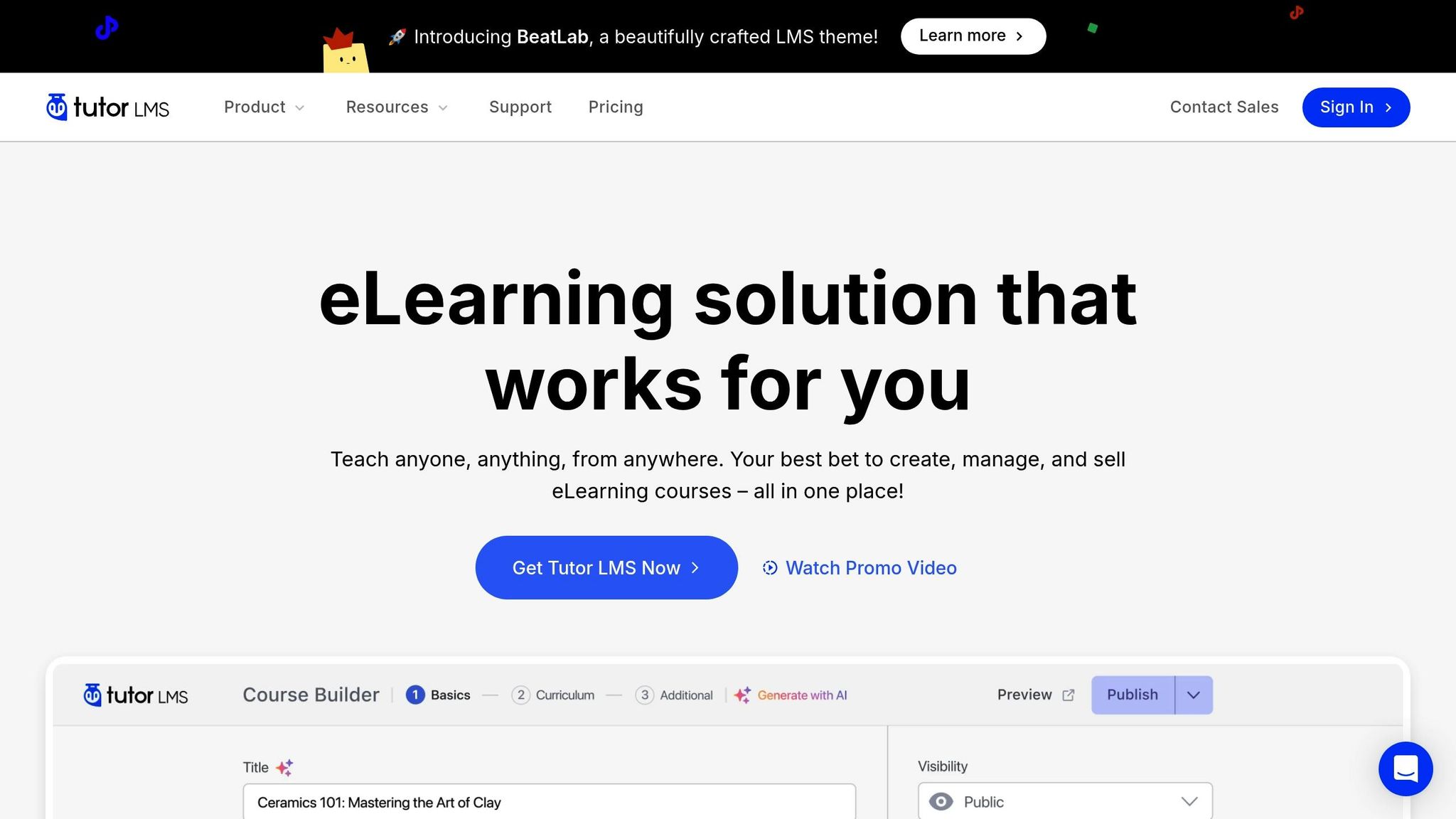
Tutor LMS comes with a user-friendly drag-and-drop frontend builder, making it easy for instructors to design lessons, quizzes, and assignments without diving into the WordPress backend. With over 100,000 e-learning websites already using the platform, it’s clear Tutor LMS has carved out a solid reputation. One standout feature is its AI Studio, which can generate entire courses - complete with topics, lessons, quizzes, and even featured images - with just one click.
The platform is also well-suited for multi-instructor marketplaces. It supports instructor registration, revenue sharing, and automated withdrawal management. Plus, the Content Bank acts as a centralized resource hub, allowing instructors to reuse lessons, assignments, and quiz questions across different courses.
For quizzes, Tutor LMS offers an advanced creator that supports over 10 question types, multimedia integration, and randomization options. Additionally, the drag-and-drop certificate builder makes it simple to design custom certificates that align with your brand.
"With Tutor LMS you will be able to build your own Udemy-like online course experience for FREE! It's really an ambitious plugin." - John Whitford, Income Mesh
These features make Tutor LMS a solid choice for building and expanding an e-learning business.
Scalability
Tutor LMS is designed to grow alongside your needs. It supports unlimited courses and students, with scalability depending on your hosting setup. The platform also simplifies team collaboration with a dedicated frontend instructor dashboard, so multiple instructors can manage courses without backend access. For those just starting out, the free version provides essential tools for course creation, offering a strong starting point that can scale as your needs grow.
Pricing
Tutor LMS offers a free version that includes core features like the course builder and basic quizzes. For added functionality, premium plans start at $199 per year for a single-site license or $499 for lifetime access. The Business Plan, which supports up to 10 sites, costs $399 annually or $999 for a lifetime license, while the Agency Plan covers 50 sites at $799 per year or $1,999 for lifetime access. This flexible pricing structure makes it accessible for businesses of all sizes.
Integration Capabilities
Beyond its core features, Tutor LMS integrates smoothly with tools that enhance both monetization and learning experiences. It works with WooCommerce, Easy Digital Downloads, and Paid Memberships Pro for selling courses. For live sessions, it supports platforms like Zoom, Google Meet, and Google Classroom.
The platform is also compatible with popular page builders like Elementor, Divi, and Gutenberg, and supports external video sources such as YouTube and Vimeo, complete with progression controls. For social learning, Tutor LMS integrates with BuddyBoss, enabling Q&A sections and discussion forums to foster student engagement.
4. MasterStudy LMS
Features and Functionality
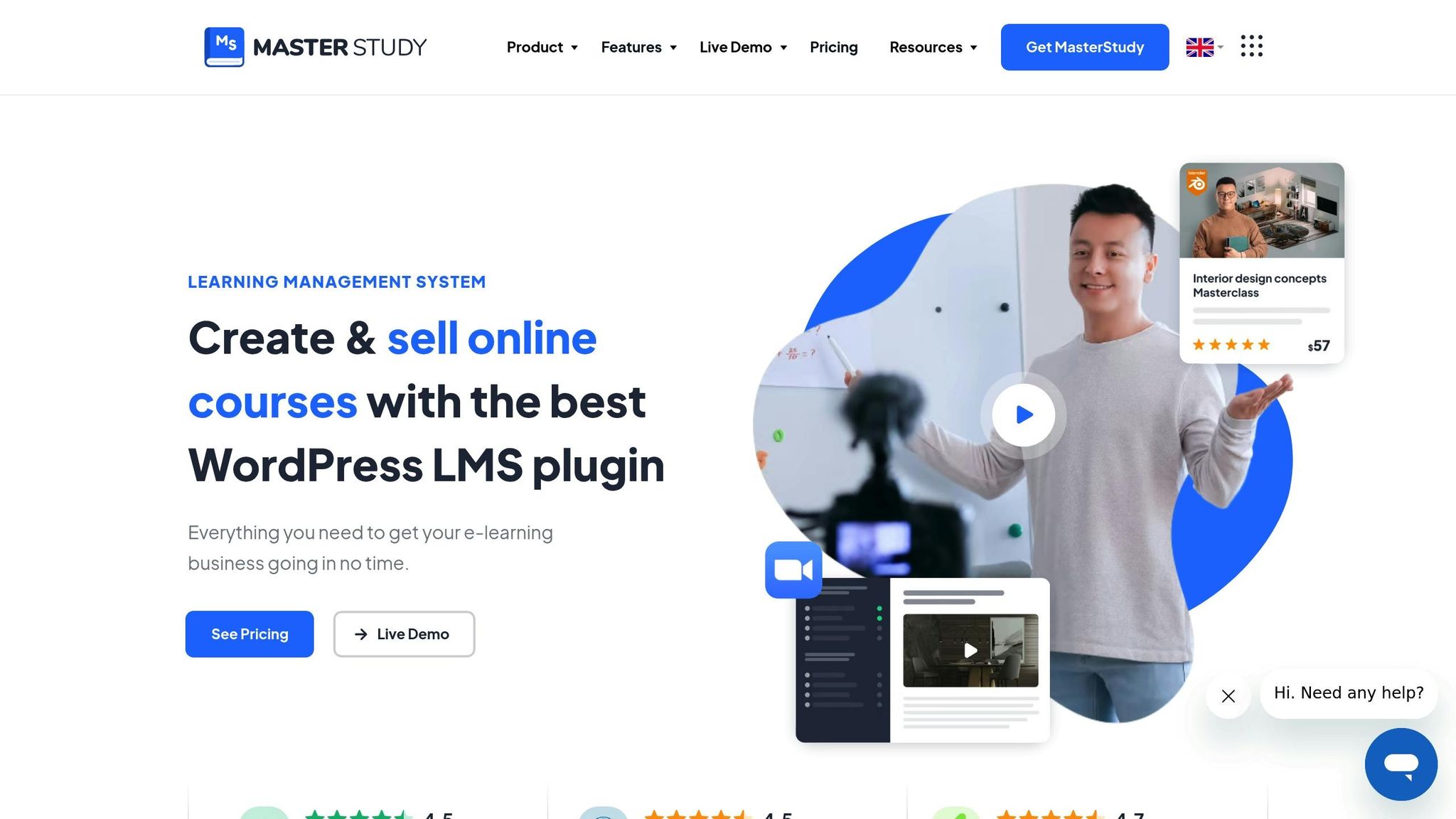
MasterStudy LMS offers a well-rounded, intuitive platform that simplifies course creation. It features dual drag-and-drop course builders - available on both the backend and frontend - so instructors can manage courses without needing to navigate the WordPress admin area. With a strong user base of over 25,000 e-learning professionals and an impressive 4.75/5 user rating, it's clear the platform resonates with educators.
The built-in quiz builder supports eight distinct question types, including single choice, multiple choice, true/false, item match, image match, image choice, keyword-based answers, and fill-in-the-gap questions. It also features a gradebook for streamlined assessment. The drip content feature is a standout, allowing lessons to be released on daily, weekly, or monthly schedules. Instructors can also lock advanced modules behind prerequisites, ensuring students complete foundational material first.
MasterStudy LMS integrates seamlessly with Zoom, Google Meet, and YouTube Live, enabling live instruction without requiring additional plugins. Other features include a Udemy course importer, SCORM support, and a points system to keep learners motivated.
"MasterStudy LMS is a great LMS for online coaches... With the course builder, you can create any type of e-learning lesson you want with ease." - Rosario Farmiga, Math Teacher
Scalability
Whether you're an individual educator or part of a large organization, MasterStudy LMS adapts to your needs. Its Groups feature supports B2B sales by letting companies buy bulk licenses and monitor employee progress through a dedicated dashboard. For multi-instructor setups, it offers frontend instructor registration, commission management, and automated payouts, making it an excellent choice for collaborative teaching environments.
The platform has received high praise, earning a 10/10 for ease of use and a 9.8/10 for price-to-value ratio in WPCrafter's 2026 review. Businesses managing multiple brands will appreciate the unlimited site licensing and priority support options.
Pricing
The free version includes essential course creation tools and a starter theme. Paid plans start at $79–$99 per year for a single site, $199 per year for five sites, and $399 per year for unlimited sites. For those looking for a one-time investment, lifetime licenses are available at $199 for one site, $399 for five sites, and $799 for unlimited sites. All paid plans come with a 14-day money-back guarantee.
Integration Capabilities
MasterStudy LMS supports a wide range of integrations to enhance its functionality. It works with popular monetization tools like WooCommerce, Stripe, PayPal, and Paid Memberships Pro. For course design, it integrates with Elementor, Divi, and WPBakery. Email marketing is covered with Mailchimp, while native mobile apps (iOS and Android), Zapier, GamiPress for gamification, and OpenAI support provide additional flexibility and automation options. These integrations make it a versatile solution for diverse educational needs.
5. Sensei LMS
Features and Functionality
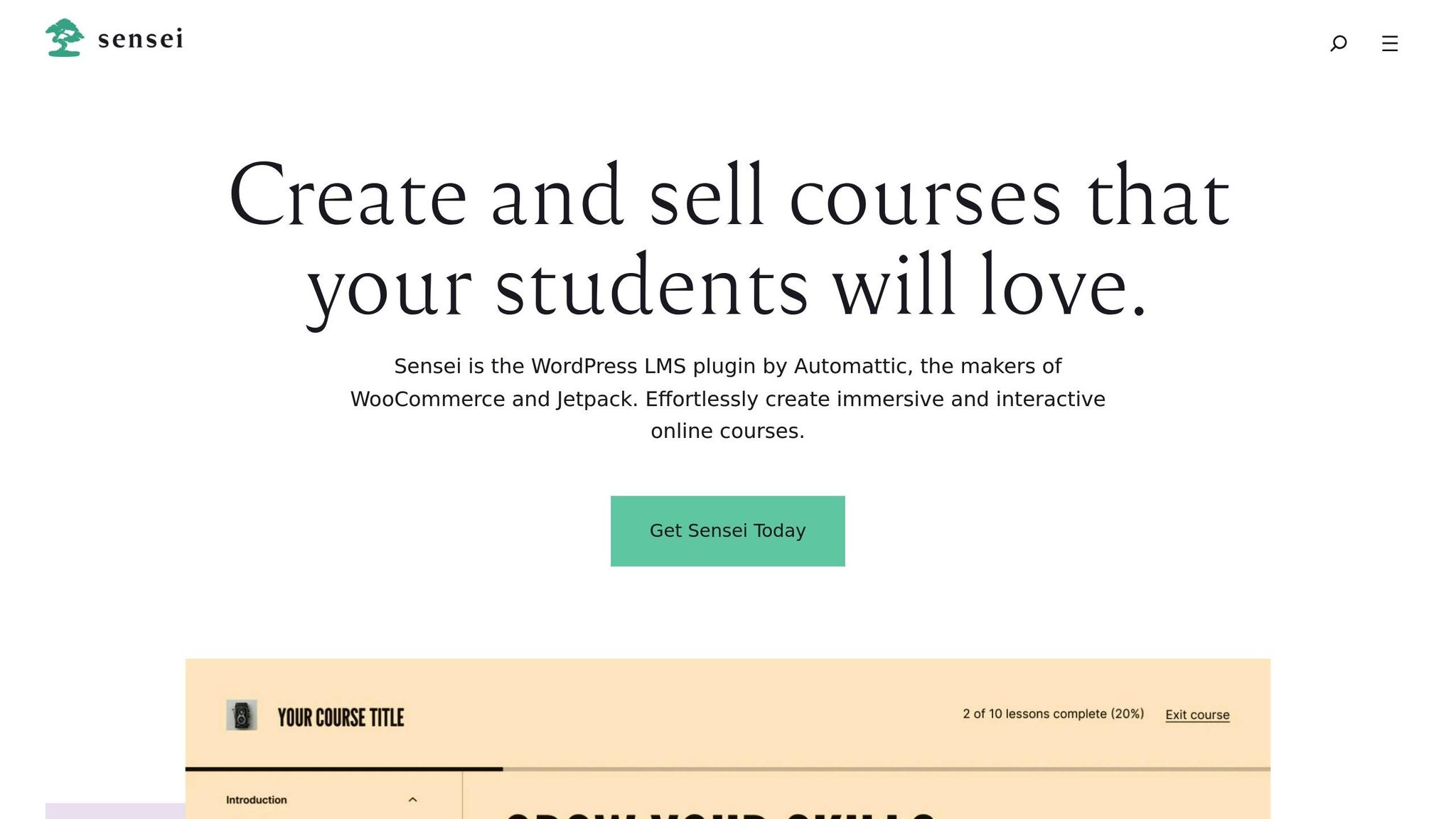
Sensei LMS addresses common challenges by leveraging Gutenberg for course creation, making it a seamless addition to the WordPress ecosystem. Created by Automattic - the team behind WordPress.com, WooCommerce, and Jetpack - it fits naturally into WordPress workflows. The platform introduces Sensei Blocks, which include interactive tools like Image Hotspots, Flashcards, Tasklists, and Interactive Videos that pause for quizzes. It also features a distraction-free mode and a handy blog-post-to-course converter, allowing you to repurpose existing content into structured lessons.
The platform supports seven quiz types, including file uploads and ordering questions, with both manual and automatic grading options. Additional tools like content dripping and lesson prerequisites help control how students navigate your material.
"Sensei LMS is a simple course plugin... It works well when you want to add a basic course to an existing WooCommerce shop." - LifterLMS
These features provide a solid base for educators looking to expand their courses efficiently.
Scalability
With over 10,000 active installations, Sensei LMS caters to individual educators and small businesses. The free version allows unlimited course creation, making it a great starting point, while its WooCommerce integration offers advanced payment and marketing features for scaling up. However, the block-heavy builder can feel cumbersome when managing a large number of courses. Additionally, the platform lacks built-in advanced security measures like reCAPTCHA or email verification, so you may need extra plugins to bolster protection.
Pricing
Sensei LMS offers flexible pricing to suit different needs. The free core plugin includes unlimited courses, a certificate builder, and basic quizzes. For $179 per year, Sensei Pro unlocks WooCommerce integration, advanced quizzes, content dripping, and group/cohort management. If you're only interested in interactive tools, the Interactive Blocks package is available for $60 per year. Agencies managing multiple sites can choose the Sensei Agency plan for $360 per year, which supports up to 20 sites or a single Multisite network. All paid plans come with a 14-day money-back guarantee.
Integration Capabilities
The WooCommerce integration simplifies monetization by letting you sell courses as products, avoiding the hefty revenue shares (5% to 63%) or transaction fees typical of hosted platforms. Sensei LMS also works with bbPress and supports video embeds from VideoPress, YouTube, and Vimeo. However, some users find relying on WooCommerce for payments less convenient compared to LMS plugins with built-in payment systems. Even so, its wide range of integrations makes it a strong option for educators looking to grow their online learning programs.
5 Best LMS Plugins for WordPress in 2025
Pros and Cons
Each platform brings its own set of strengths and trade-offs, making the choice highly dependent on your specific needs and preferences.
LearnDash stands out with its advanced tools, like AI-assisted course creation and detailed quiz options. These features make it a powerhouse, but they come with a higher price tag.
Tutor LMS simplifies course creation with a user-friendly frontend builder and strong support for multiple instructors. That said, some of its more advanced tools are locked behind the Pro version.
Sensei LMS seamlessly integrates with WooCommerce, making it a natural fit for those already using that platform. However, this reliance on WooCommerce can occasionally cause issues, such as enrollment challenges during updates.
"LearnDash is the ideal choice for businesses that require the most detailed data, the most complex certification paths, and the most advanced quizzes." - Farhan Feroz, LMS Expert
Upskillist takes a different approach by eliminating the technical headaches of self-hosted solutions. It offers managed hosting, automatic updates, and seamless integrations. Plus, it provides access to accredited courses across 100+ topics, AI-powered tools like Compass AI and Pathfinder, and globally recognized certifications. Users can explore its features with a 7-day free trial before committing to a subscription.
One recurring issue with self-hosted platforms is their heavy reliance on plugins, which can sometimes lead to compatibility problems and extra maintenance. Platforms like LearnDash and Tutor LMS mitigate this with more integrated ecosystems. For example, LearnDash supports a wide range of third-party add-ons and integrates well with Zapier, while Tutor LMS is particularly well-suited for visual builders like Elementor.
Ultimately, each platform offers distinct benefits, but choosing the right one requires careful consideration of your goals and the trade-offs you're willing to make.
Conclusion
For educators and businesses looking for an all-in-one platform to simplify their online learning strategies, Upskillist offers a practical solution. With its AI-driven tools and smooth integrations, the platform takes the complexity out of managing e-learning programs.
The e-learning market is expected to hit $400 billion by 2026, and Upskillist is well-positioned to help you tap into this growth. Unlike self-hosted platforms that demand constant updates and technical upkeep, Upskillist provides managed hosting, automatic updates, and AI-powered tools like Compass AI and Pathfinder. This means you can skip the headaches of maintenance and focus on creating impactful learning experiences.
Upskillist also offers access to accredited courses across 100+ subjects, along with globally recognized certifications. By handling all the technical operations for you, the platform frees up your time to concentrate on delivering quality education. Plus, you keep full control over your revenue without losing up to 63% of organic sales to platform fees, as is common with some alternatives.
Try Upskillist with a 7-day free trial and see how it can transform your e-learning journey.
FAQs
Which alternative fits my use case best?
The right choice depends on what you're looking for - whether it's ease of use, scalability, or specific features. LearnWorlds stands out if you're after a platform packed with features and room to grow. If you're a WordPress user who values simplicity and flexibility, LifterLMS could be a great fit. For those on a tighter budget or working on smaller projects, LearnPress offers a solid, no-frills option. Focus on your top priorities to pick the solution that fits you best.
Do I need WordPress hosting to run this?
Yes, LearnPress needs WordPress hosting because it's a plugin specifically designed for WordPress. It works seamlessly with your WordPress site, allowing you to create and manage online courses with ease. Ensure your hosting plan is compatible with WordPress to keep everything running smoothly.
What should I consider before switching from LearnPress?
Before moving away from LearnPress, it’s important to weigh a few key factors. First, think about scalability - LearnPress might not handle large course libraries or detailed reporting for more complex setups as effectively. Take time to compare the features of alternative platforms and ensure they align with your future growth plans.
Additionally, consider pricing, support, and compatibility with your existing website. These elements can significantly impact the transition process. Lastly, check the platform’s track record for long-term stability and regular updates. This can help you avoid potential performance or security challenges as your course offerings expand.